 A RinWave App
Lull
Lo-fi focus that follows you from phone to wrist.
Lull combines calm lo-fi radio, focus modes, timer phases, and low-distraction Android controls. It is available now on Google Play for Android, with a Wear OS companion experience.
Phone
main session
Wear
quick control
DND
optional focus guard
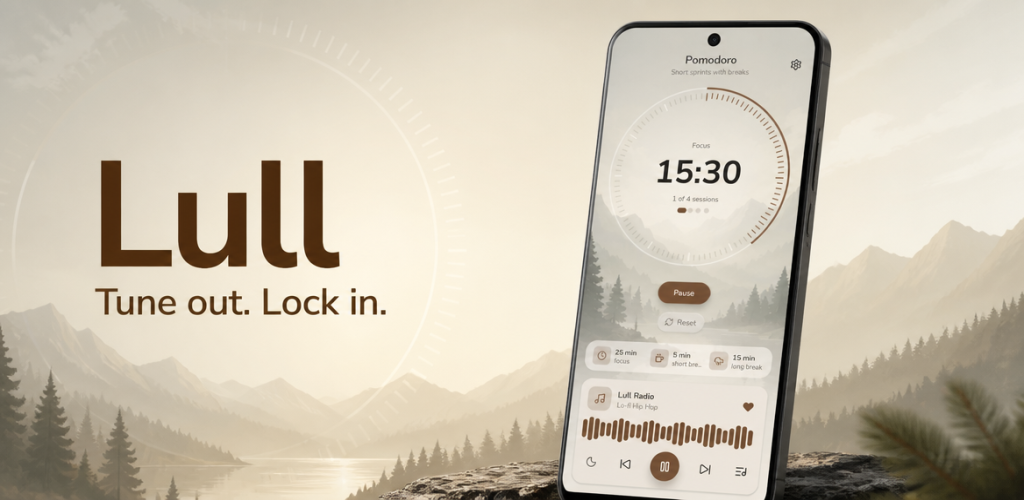
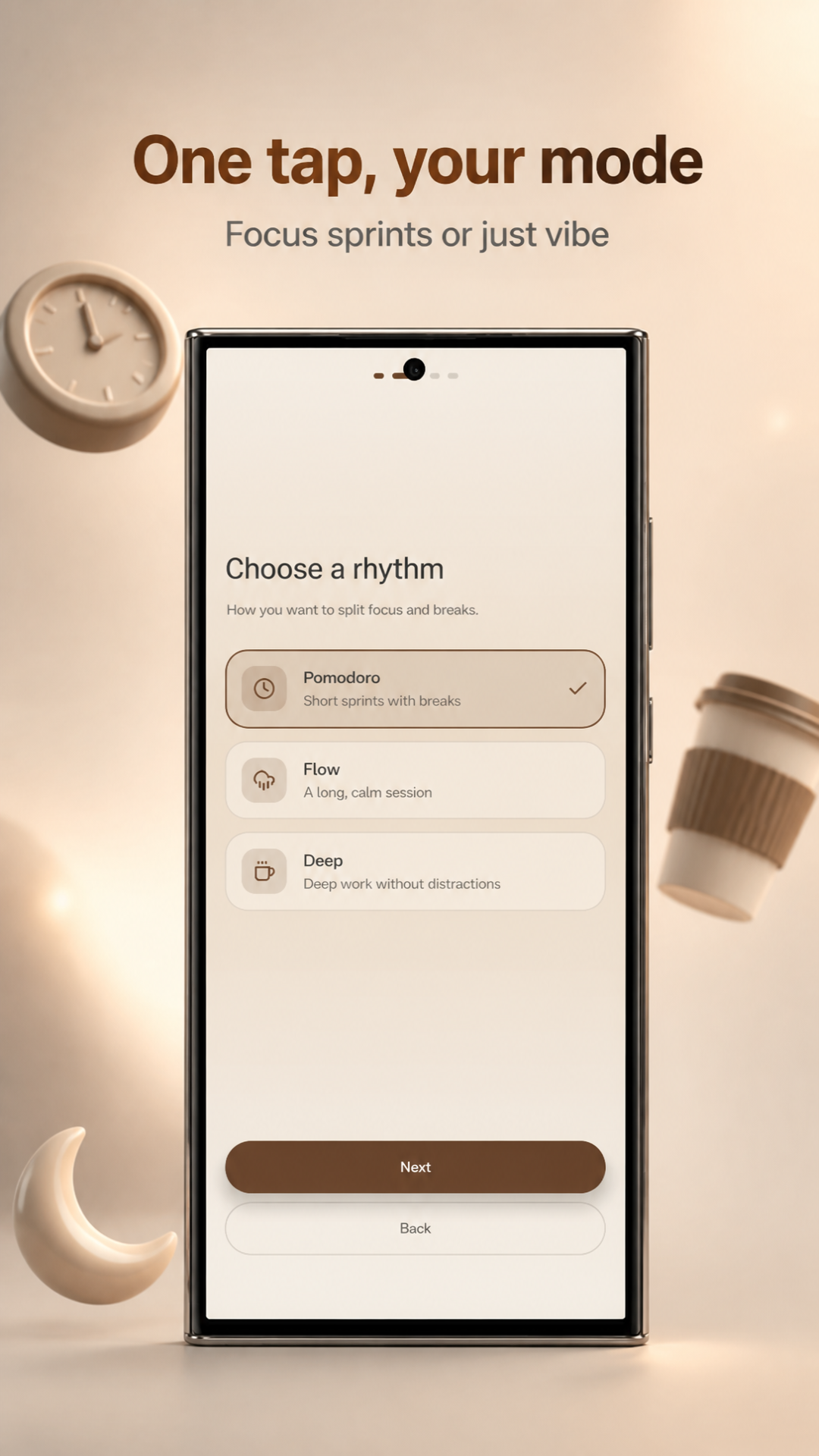
Real Android screens from the published release.
The store assets show the actual onboarding, focus session, and calm radio surfaces available in the current release.
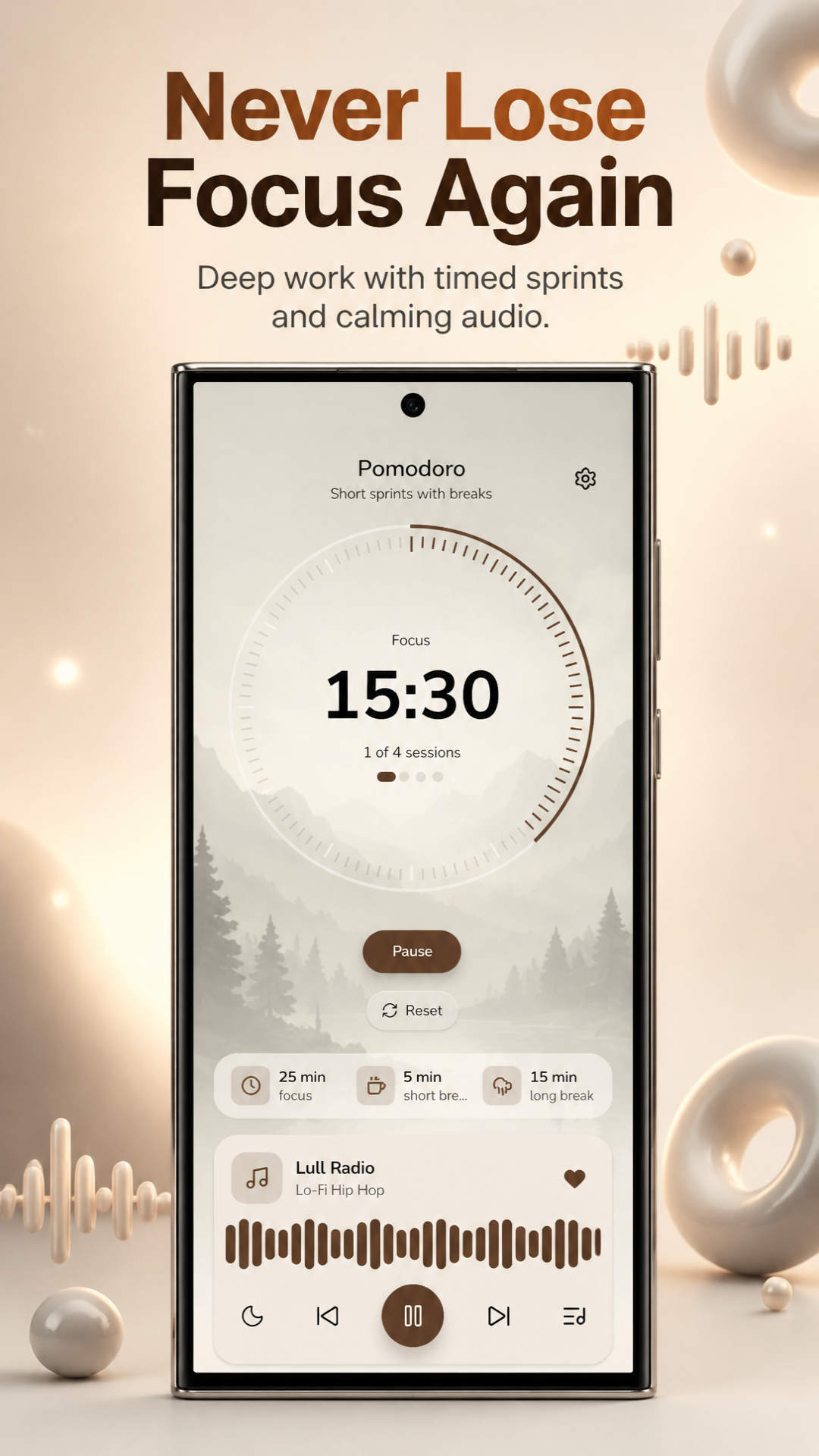
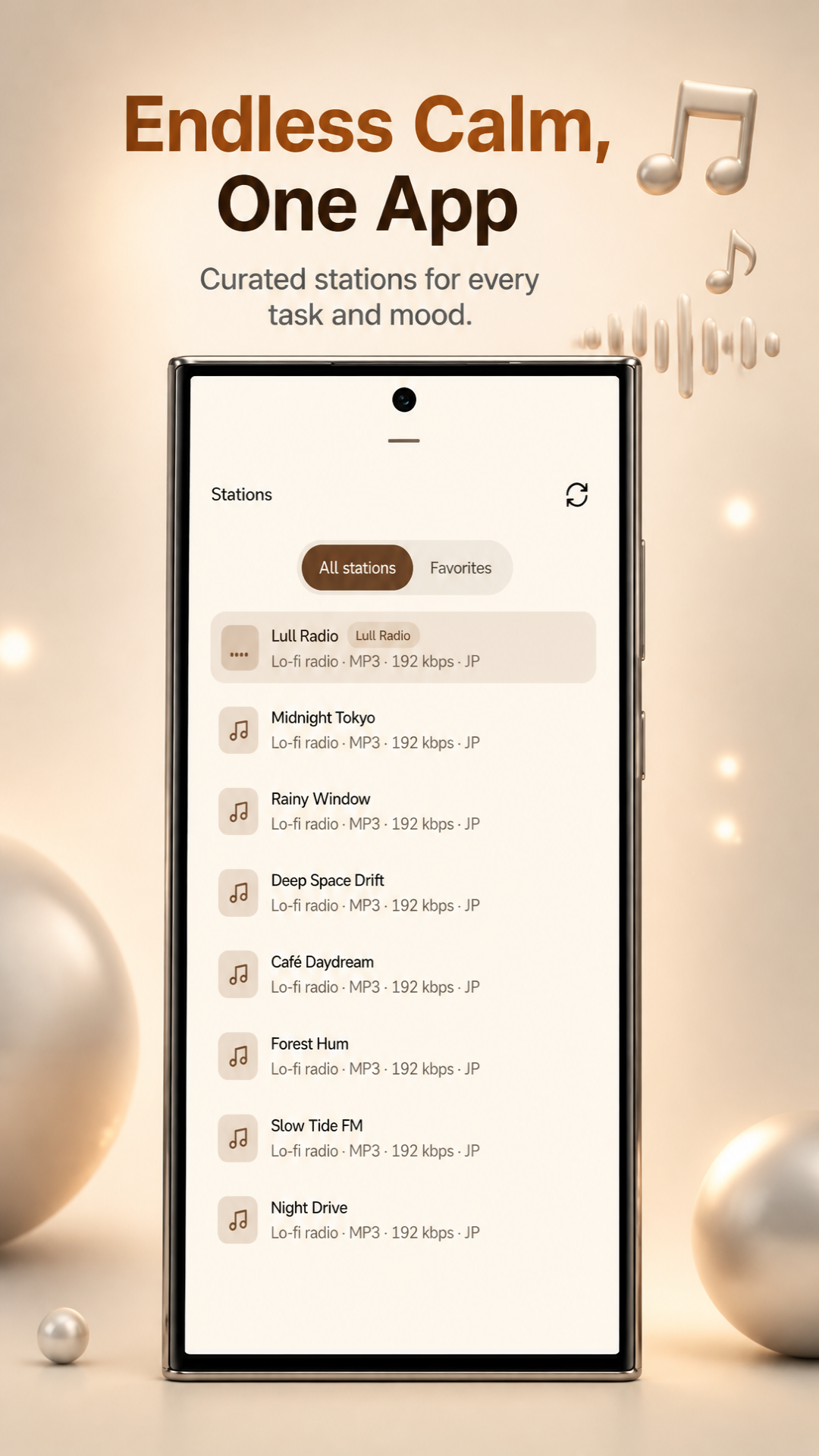
Focus sessions with sound, context, and control.
Lull is not just a timer next to a playlist. The product is shaped around session state, background playback, and low-friction controls across devices.
Lo-fi radio built in
Curated station playback sits inside the focus loop, so users can start a session and soundscape together.
Focus modes
Timer phases, modes, preferences, and session state are treated as first-class product behavior.
Wear OS companion
Watch controls mirror playback and timer state, with quick actions for start, pause, skip, and reset.
Low-distraction defaults
Notifications, alerts, and foreground controls are designed to stay useful without turning into noise.
System-level focus, not a floating widget.
The app is being shaped around Android platform hooks and assistant workflows that can make focus sessions faster to start and easier to protect.
Do Not Disturb
Optional DND access can help protect deep-work sessions when the user chooses to enable interruption controls.
Android systemGemini flow experiments
AI-assisted session ideas can help turn intent into a timer, mode, or station context with fewer taps.
Assistant layerDeep links and shortcuts
Start and control sessions from system surfaces, routines, and future automation entry points.
Fast startPhone-watch sync
Wear OS Data Layer keeps the companion aligned with the current station, playback state, and timer phase.
Wear OSDocuments & policies.
Public legal pages for the Lull app and its Android/Wear OS release path.